Nexus Registration Guide 2026
How the Nexus sign-up flow works in practice — the captcha gate, the recovery mnemonic, PGP 2FA, and getting to a 2-of-3 multisig first order. Tor and PGP basics are linked, not repeated.
What To Have Ready
One-time setup lives in the canonical guides. Do it once, then the Nexus-specific steps below take only a couple of minutes.
Tor + a verified endpoint
New to Tor? Use the how-to-access guide, then load a current address from the Nexus link page.
A PGP public key
Create one with the PGP tutorial. On Nexus the public key powers login 2FA, so it is worth having before you register.
Patience for the captcha
Nexus front-loads a captcha on register and login to absorb bot traffic. It can take a couple of attempts under load — that is normal, not an error.
BTC or XMR on hand
Nexus settles in Bitcoin and Monero. Decide your coin in advance so the deposit step is quick.
The Nexus Sign-Up Flow, Screen by Screen
Reach the real register screen
Load a current address from the Nexus link directory and read the full hostname. Clones lean on look-alikes like nexuss or nexu5 and usually drop the captcha to harvest credentials faster — see FAQ phishing signs if anything is off.
Can't connect at all? That belongs on the status page, not this guide.
Clear the captcha, then open Register
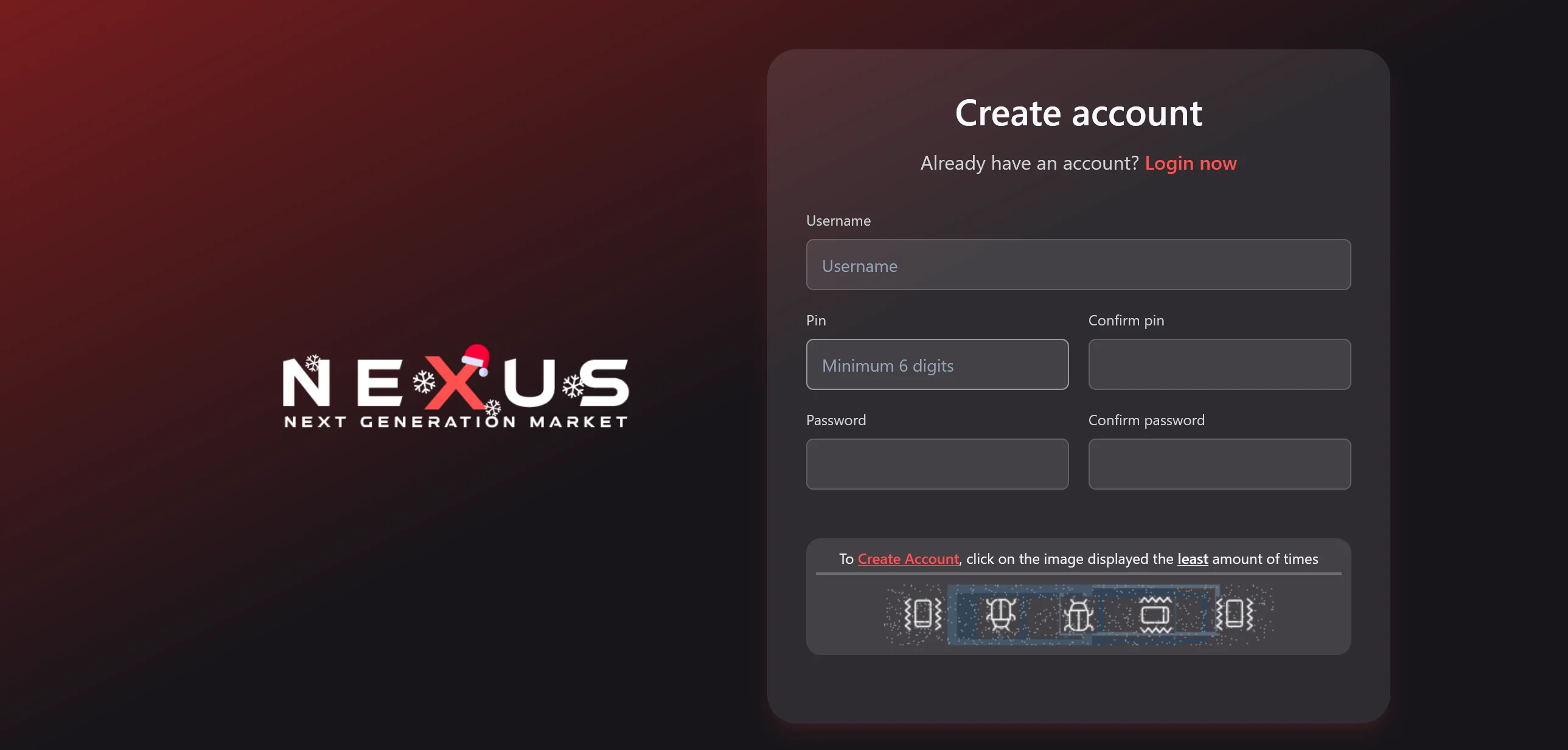
Nexus shows a captcha before the account form to keep bots out. Solve it, choose Register, and notice the clean, search-first layout the market is known for — there is no email field and no upfront "activation" fee.
💡 Why the captcha matters
A "Nexus" register page that skips the captcha entirely is the single most common clone tell. Stop and reload from the link page.
Set username and passphrase
Choose an anonymous username unconnected to any clearnet handle, and a long passphrase you do not reuse anywhere. Nexus has no email recovery, so generate both in an offline manager like KeePassXC and store them before moving on.
Write down the recovery mnemonic
Nexus generates a recovery mnemonic shown one time. Copy the words in order to paper — it is the only key back into your account and wallet. Photos and cloud notes defeat the point.
Immediately log out and back in with the mnemonic to confirm you transcribed it correctly, before any deposit.
Add PGP and switch on login 2FA
Under Account Settings → Security, paste your public key (generate it via the PGP tutorial) and enable PGP 2FA. Every future login then presents an encrypted challenge you decrypt locally — exactly the prompt clones cannot fake.
Deposit and test a 2-of-3 multisig order
Fund in BTC or XMR (prefer XMR for unlinkability, from a fresh subaddress). For your first purchase use Nexus's 2-of-3 multisig escrow and keep it small — the goal is to see how disputes and releases behave before you trust the market with real volume.
⚠️ Nexus has no password reset — only the mnemonic
There is no recovery email and no admin who can let you back in. The mnemonic from step 4 is the whole recovery system for your Nexus account and balance.
- Lose the mnemonic and forget the passphrase → the account and any funds are unrecoverable
- Keep it on paper only; a screenshot is a theft vector, not a backup
- Test the phrase (step 4) before your first BTC/XMR deposit
🔒 First-Week Nexus Habits
Link verification and market-wide safety Q&A live on other pages — these tips apply after your account exists.
Expect the captcha and the PGP 2FA prompt on every login — their absence is a clone signal
Use 2-of-3 multisig for anything beyond a small test order
Deposit XMR from a fresh subaddress rather than reusing one
Encrypt shipping details to the vendor's PGP key before sending them
Ready to Create Your Nexus Account?
Prerequisites ready? Load a verified .onion URL from the link page, then complete the steps above on the market register form.
Open Nexus Link Page